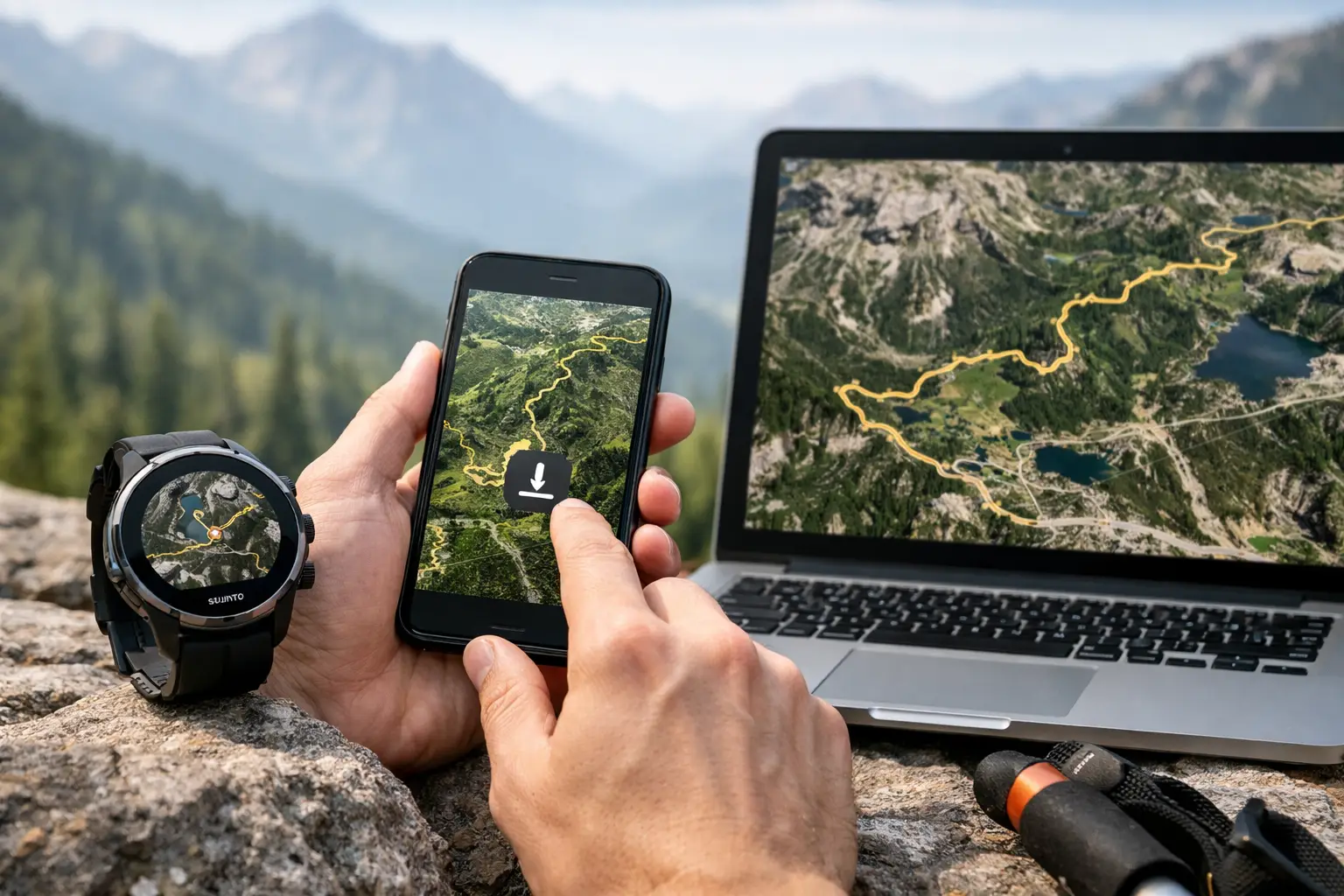
A bad course file can cost more than a few wrong turns. It can wreck pacing, burn matches on the wrong climb, and leave you guessing where the next aid station actually sits. If you're relying on a Suunto trail route download for race prep, the goal is not just getting a line onto your watch. The goal is getting a route you can trust when you're tired, off script, and deep into the course.
That matters because route download is only one part of race prep. A GPX file might be technically usable and still be poor for racing. It may miss key switchbacks, smooth out elevation, cut corners through dense trail networks, or fail to match the official course after a late change. For trail runners, the question is not just how to download a route to Suunto. It's whether that route helps you make better decisions when the race starts to bite.
How a Suunto trail route download actually works
On Suunto, routes are usually built or imported through the Suunto app, then synced to your watch. In most cases, you start with a GPX file from a race organizer, training platform, or race-prep tool. You import that file into the app, save it as a route, and push it to the device before heading out.
Simple on paper. Less simple in practice.
The handoff between file, app, and watch is where problems show up. If the source GPX is messy, your watch will still display it. If the route is outdated, your watch will still follow it. If the file lacks the context you need around aid stations, major climbs, or cutoff-sensitive segments, the route line alone will not fix that.
This is why experienced runners treat route download as a verification step, not a box to check. The file has to be current, clean, and race-relevant.
What to check before you download the route
Before you send any course to your Suunto watch, look at the route on a bigger screen. Zoom in on technical trail junctions, out-and-back sections, and any dense network where parallel trails sit close together. Those are the places where bad files create expensive mistakes.
You also want to compare the route against the official race information. Organizers change courses more often than many runners realize. A reroute around snow, washouts, private land, or trail work can happen late. If your GPX was posted early and never updated, your watch may lead you toward a version of the race that no longer exists.
Elevation deserves the same skepticism. Total gain is useful, but it doesn't tell you where the race breaks apart. You need to know where the long climbs start, where the steepest grades hit, and where terrain shifts from runnable to grinding. A raw Suunto trail route download can guide navigation, but if it is not paired with segment-level course understanding, it leaves a lot on the table.
How to download and sync a route to Suunto
The exact menu layout changes over time, but the workflow is usually straightforward. Import the GPX file into the Suunto app, confirm the route displays correctly, save it, then sync your watch while the connection is stable and the battery is not low.
Do this well before race morning.
Race-day syncing is where small problems turn into stress. Bluetooth stalls. The app hangs. The route saves but does not appear where you expect it on the watch. None of this is catastrophic at home. In a dark parking lot at 4:15 a.m., it feels different.
After syncing, open the route directly on the watch and verify it is there. Check the route name, total distance, and general shape. If your device supports elevation profile preview for the route, look at that too. You are not trying to memorize every turn. You are making sure the course on your wrist matches the course in your head.
Why the source GPX matters more than the watch
A lot of runners blame the device when the real issue starts upstream. Suunto can only work with the route it receives. If the GPX file is poor, the watch is just displaying poor information more efficiently.
The best GPX files for racing are clean, official or carefully validated, and specific to the current event year. They should track the actual trail closely enough to be useful in technical sections and carry enough detail to avoid obvious shortcuts or drift. If the course includes aid stations, remote crew access, cutoff pressure, or critical terrain transitions, you should know those separately rather than expecting the route line to explain them.
That is where a race-intelligence layer helps. A route without context tells you where to go. A prepared runner also knows what each section demands once they get there.
Suunto trail route download for training vs race day
Training use and race use are not the same job.
For training, a Suunto trail route download mainly protects against navigation errors. It helps you stay on course, especially in unfamiliar terrain or when you are linking long sections and do not want to stop at every fork. If the route is mostly accurate, that may be enough.
For race day, the route becomes part of pacing, fueling, and expectation management. You need to know whether that next three-mile segment is a steady runnable climb or a steep hike that will crush pace. You need to know whether the next aid station is close enough to skip extra water or far enough that a bad assumption becomes a problem. Navigation is only one piece. Execution is the bigger one.
That is why serious runners should treat route download as part of a larger prep system. The watch handles direction. Your planning handles consequences.
Common mistakes with Suunto route downloads
The most common mistake is assuming any GPX file is good enough. It isn't. Old files, user-created files, and organizer files posted before final route approval can all be wrong in ways that matter.
The second mistake is not testing the route in advance. Even a short shakeout run with the course loaded can confirm that syncing worked, that alerts behave as expected, and that the route is easy to access from the sport mode you plan to use.
The third mistake is overestimating what the watch can solve. If you have not studied the course profile, aid station spacing, and major terrain changes, the route line will not rescue your pacing plan. It will simply help you stay on the route while the pacing plan falls apart.
Battery management matters too. Long ultras expose weak habits fast. If you are racing with navigation active, make sure your battery mode supports the duration and GPS accuracy you need. A route that disappears at mile 62 is not a route strategy.
The better way to use route downloads for race prep
Start with the cleanest route file you can get. Then inspect the course before you sync it. Look at key climbs, technical descents, aid station placement, and sections where cutoffs may matter. If the race has alternate years, course variations, or late updates, verify the exact version.
Once the route is on your Suunto watch, use it as the field tool, not the entire plan. The stronger approach is to combine navigation with race-specific course intelligence. That means knowing where the hard miles are, where pace naturally drops, where fueling opportunities land, and where runners tend to misjudge effort.
This is the gap many athletes finally notice after enough rough races. They had the file. They did not have the course.
A platform like TrailSight fits here because it organizes route data around how trail runners actually prepare - not just where the trail goes, but what the course asks of you at each stage. That is the difference between downloading a route and showing up ready to race it.
When a basic route download is enough
Not every run needs a full briefing. If you are doing a local long run on familiar terrain, or scouting a straightforward course with limited junctions, a basic route download may be all you need. The same goes for shorter races where navigation risk is low and logistics are simple.
But once the event gets longer, more remote, or more technical, the margin for bad information shrinks. In ultras, one wrong assumption can spill into hydration, nutrition, cutoff timing, and effort control. At that point, route download is still necessary. It is just not sufficient.
Know the trail before you run it. Your Suunto watch can carry the route, but your edge comes from knowing what that route means when the day gets hard.