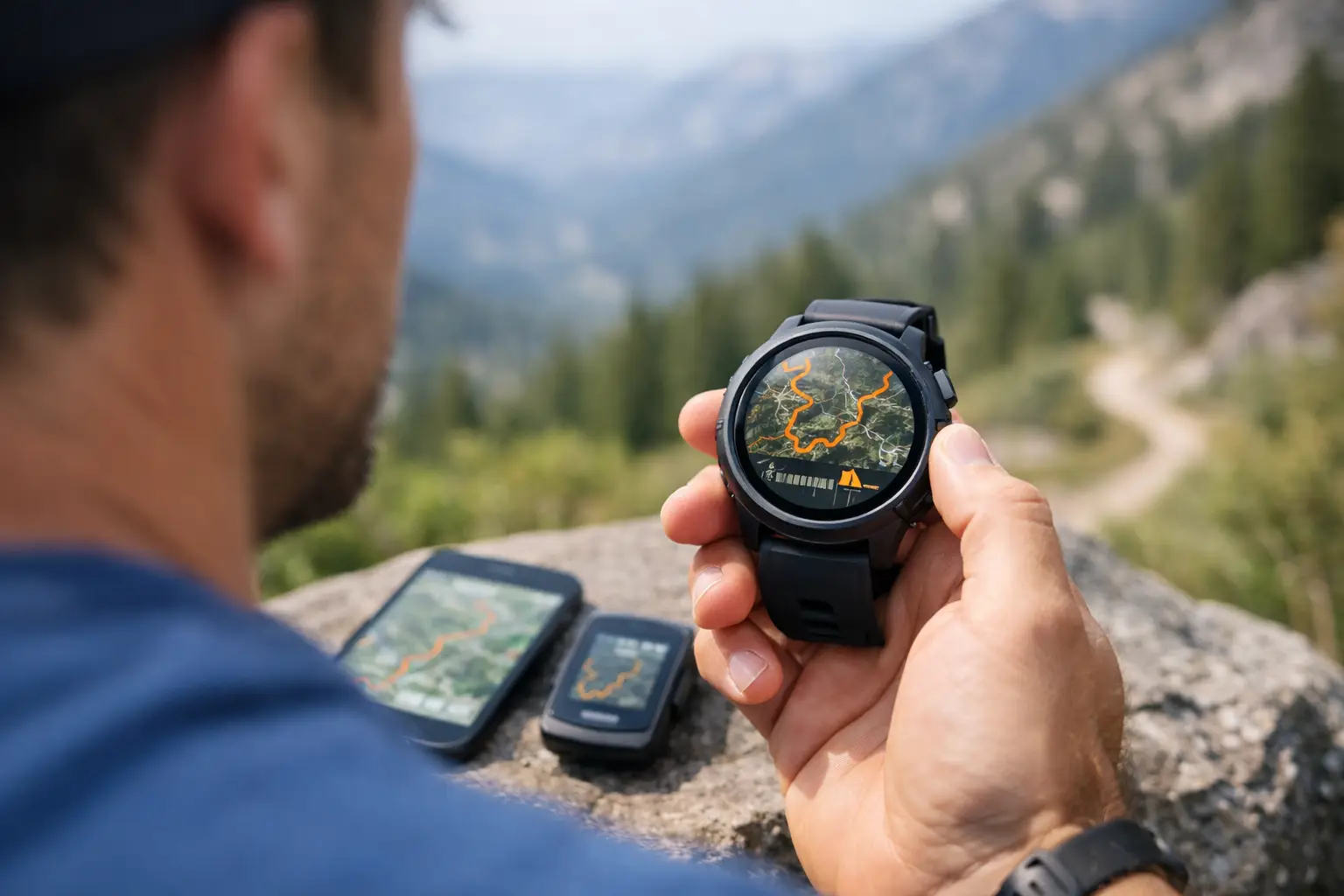
You do not want to figure out your watch navigation at mile 22, halfway up a climb, with cold hands and a fading brain. A COROS GPX race route is supposed to reduce uncertainty, not add one more thing to troubleshoot on race morning. If you race trails seriously, the real job is not just getting a line onto your watch. It is making sure that route matches the course, gives you useful guidance, and supports the decisions that matter when terrain, fatigue, and cutoffs start stacking up.
What a COROS GPX race route actually does
A GPX route on a COROS watch gives you course navigation in a form you can use mid-race. At the simplest level, it lets you follow the official course line and see whether you are on track. On many courses, that alone is worth it. Flagging can be inconsistent, intersections get chaotic in low light, and fatigue makes simple turns easier to miss.
But a COROS GPX race route is not the same as full race intelligence. It shows where to go. It does not automatically tell you how that climb will feel at hour nine, where the terrain changes from runnable to power-hike steep, or how far the next aid station really feels when the section is rocky and slow. That distinction matters because a route file is a navigation tool, not a race plan.
For shorter trail races, basic route guidance may be enough. For ultras, it usually is not. You need the route, but you also need context around elevation, waypoints, crew access, and cutoff pressure.
Before you load the COROS GPX race route
The biggest mistake is assuming any GPX file labeled with the race name is automatically race-ready. It might be outdated, simplified, or drawn from a public map that misses reroutes. Before you send anything to your watch, check the source and compare it against the latest race information.
Look closely at total distance and elevation gain. If the race site says 32 miles and 7,800 feet of gain, but your file shows 29 miles and 5,900 feet, something is off. Small differences happen because devices and mapping platforms calculate elevation differently, but large gaps usually point to a bad file or a course revision.
You should also inspect where the route starts and ends. Some races include a neutral rollout, a staging area, or a finish chute that may or may not matter for navigation. That sounds minor until your watch says you are off course in a crowded start corral or cuts navigation before the actual finish line.
If you have access to race-specific mapping that includes aid stations, cutoffs, and terrain notes, use that to validate the GPX before export. That extra step saves problems later, especially on mountain courses where one wrong turn can cost more than a few minutes.
How to load a COROS GPX race route
The process is straightforward, which is exactly how it should be. Import the GPX into the COROS app, confirm the route appears correctly, and sync it to your watch. Then open the route on the device before race day, not at the start line, and make sure it displays the way you expect.
This is where experienced runners get picky for good reason. A route that loads is not necessarily a route that is easy to use. Check zoom behavior. Check visibility of the course line. Check whether key turns are obvious enough at a glance while moving. If your watch supports elevation profile viewing with the route, look at that too. The goal is fast interpretation under stress, not just technical compatibility.
Battery planning matters here as well. Navigation features use power, and on long ultras that can change your charging strategy. If you are racing beyond your normal watch battery comfort zone, do not assume route use has no cost. Test it in training with settings close to race day.
Why the GPX line is only half the job
Following the course line is useful. Knowing what the line means is better.
A trail race is rarely lost because someone could not see a map. More often, it unravels because they misunderstood the demands between key points. A seven-mile section means something very different if it is smooth singletrack with one creek crossing versus a steep, exposed climb into a technical descent with no aid in between.
That is why a COROS GPX race route works best when paired with course breakdowns that organize the route into meaningful sections. Instead of thinking only in miles, think in segments between aid stations, climbs, descents, and cutoff checkpoints. That is how you actually race. It is also how you avoid simple pacing mistakes that come from treating the course like one continuous line.
For example, if your watch route shows a long climb ahead, that is helpful. If you already know that climb averages a grade that kills running economy, tops out in wind exposure, and is followed by a technical descent where fueling gets harder, now you can make smarter choices before the section starts.
Using a COROS GPX race route for pacing
This is where disciplined runners gain time without forcing it. A COROS GPX race route can support pacing, but only if you stop expecting it to do all the thinking for you.
Start by matching the route to realistic splits, ideally by aid station or major course segment. Race organizers often publish broad cutoff times, but those are not pacing plans. They are survival thresholds. Your plan should account for terrain difficulty, likely hiking sections, refill time, and how your pace decays later in the race.
Use the route to anchor where you are, then use your course knowledge to decide what effort belongs there. Early climbs are where people burn matches because the route looks short and harmless on a screen. Late descents are where time leaks because trashed quads turn runnable trail into cautious survival.
If you prepare well, the watch becomes a confirmation tool. You know what section you are in, what comes next, and whether your current pace is acceptable for the terrain. That is much more valuable than staring at distance remaining and hoping for good news.
Navigation limits you should expect
No watch navigation system is perfect in the mountains. Tree cover, weather, terrain geometry, and GPS behavior can all affect accuracy. On complex courses with switchbacks or closely stacked trail segments, the watch may not always present the clean, intuitive picture you want.
That does not make the route useless. It means you need to use it like an athlete, not like a passenger. Keep your own situational awareness. Read course markings. Know the major turns and course features before the gun goes off. A GPX route should back you up, not replace judgment.
It also depends on the race. On a well-marked course, the route may only matter at a few junctions. On foggy ridgelines, predawn starts, or races with sparse marking, it becomes much more important. The more remote and technical the course, the more valuable it is to study the route in advance rather than treat the watch as a last-second safety net.
What to check on race week
By race week, your COROS GPX race route should already be loaded and tested. What remains is verification. Confirm the course has not changed. Last-minute reroutes happen because of weather, land access, snow, fire, or trail damage. If the race updates the course, replace the file immediately and inspect the changed section.
Then check your watch setup as if you were already in the event. Battery charge, navigation access, sport mode, auto-lap preferences, data screens, and alerts all matter. You do not want a route page that hides the metrics you rely on, and you do not want unnecessary alerts draining focus.
If you are using a planning tool like TrailSight to review elevation, aid stations, and race-relevant splits, do that before the final sync so your mental model matches the route on your wrist. Know the trail before you run it. That is not branding. It is practical risk reduction.
The better way to think about route prep
A COROS GPX race route is not just a file transfer. It is part of race execution. When used well, it lowers the chance of wrong turns, sharpens pacing decisions, and gives you confidence in unfamiliar terrain. When used poorly, it creates a false sense of security because the course line is there but the real demands of the race are still a mystery.
The runners who get the most from watch navigation do one thing consistently. They prepare the route in context. They study the climbs, the aid gaps, the terrain changes, and the cutoff pressure before race day. Then the watch becomes what it should be - a clean, reliable tool that supports decisions already made.
If your route is loaded and your plan is clear, you will spend less time reacting and more time racing.