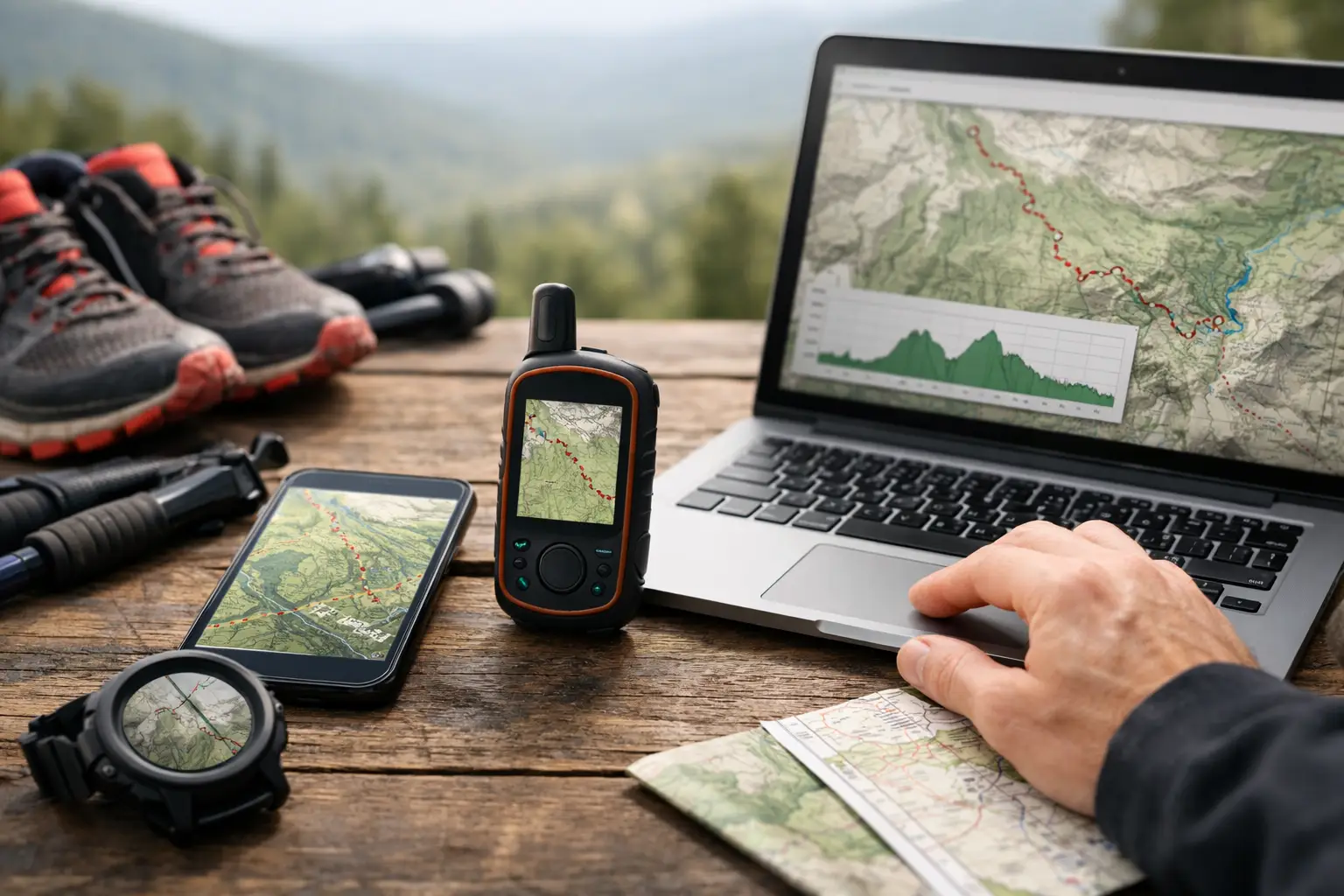
Miss one turn in a trail race and your pacing plan can unravel fast. That’s why learning how to prepare trail race GPX files is not a tech chore - it’s race prep. A good GPX file helps you understand the route, load the course to your watch, and make smarter calls on effort, fueling, and timing before the gun goes off.
The mistake most runners make is treating the GPX like a line on a map. It’s more than that. If you use it right, it becomes a working course brief. You can spot where climbs really start, where runnable terrain returns, how aid stations break up the day, and where cutoffs may get tight. That matters a lot more than knowing the total mileage.
How to prepare trail race GPX before race week
Start early enough that you can train with the route, not just glance at it the night before. The best time to review a GPX is when you still have time to adjust long runs, downhill prep, and fueling strategy.
First, get the most current official file you can find. Race routes change. A file from last year, a runner-uploaded track, or an old event page can be close enough to look right and wrong enough to cause problems. If there are multiple versions, compare them against the current race site, course notes, and published aid station table. Small reroutes can change climb timing, cutoff pressure, and water carries.
Once you have the file, confirm the basics. Check total distance, total gain, start and finish location, loop direction, and whether there are out-and-backs or overlapping sections. Overlapping sections matter because they can create confusion on-device if your watch map is small or your screen is crowded. If the course doubles back near an aid station or road crossing, mark that mentally now, not when you’re tired at mile 42.
Then inspect the course in map view and elevation view together. Looking at only one is how runners misread a course. A climb that appears manageable on the profile may be steep, technical, and slow in the terrain. A descent that looks like free speed may actually be rocky enough to beat up your quads. You want to connect route shape with vertical change, because race execution happens where those two meet.
Read the GPX like a race plan, not a map
A trail race is rarely won or saved by average pace. It’s managed section by section. Your GPX should help you break the route into usable pieces.
The simplest way is to divide the course by aid stations, major climbs, descents, and terrain transitions. That turns one intimidating route into a series of manageable efforts. Instead of thinking about 50 miles, you think about the climb to Aid 1, the ridge traverse after it, and the long descent into the next stop. That’s how strong runners keep the day under control.
This is also where you start identifying race-critical sections. Look for steep early climbs that can spike heart rate, exposed ridgelines that may slow you if weather turns, long descents that can damage legs, and remote stretches where missing water would hurt. Not every hard section is obvious from mileage alone. Sometimes the real problem is a short but brutal climb at mile 30, right when nutrition and focus usually start slipping.
If you use a tool like TrailSight, this is where structured course intelligence helps. Instead of piecing together route shape, aid stations, elevation data, and cutoffs from different sources, you can review them as one race-specific system. That saves time, but more importantly, it reduces the chance that you miss something that matters late in the race.
Clean up expectations around elevation and terrain
GPX files are useful, but they are not perfect. Elevation totals can vary depending on how the file was recorded, processed, or smoothed. Two files for the same course can show different gain. Don’t build your whole race around one exact number.
What matters more is the distribution of the climbing. Ask where the gain is concentrated, how long the sustained climbs are, and whether the descents come right after or much later. A course with 8,000 feet of gain in short punches races differently than one with the same gain packed into two major ascents.
Terrain is the other part runners often underestimate. A GPX won’t always tell you if a trail is smooth, loose, rooted, muddy, or highly technical. You need supporting course intel for that. If the race provides section notes, use them. If not, study photos, 3D views, and segment descriptions when available. Pace assumptions from smooth singletrack do not transfer well to talus, wet rock, or steep power-hiking grades.
Load the file to the device you’ll actually race with
This sounds obvious, but plenty of runners prepare the GPX and never test it on the watch they plan to use. That’s a problem. Device behavior matters.
After you export the route, load it to your GPS watch or navigation device and check that it appears correctly. Confirm turn guidance if your device supports it. Make sure the route name is easy to recognize. If your watch allows course points or waypoints, see whether aid stations and key locations carry over or need to be added another way.
Then test it in training. Do one local run with the route active. You’re not testing the race course - you’re testing your setup. Check how the map displays, how alerts behave, how easy it is to zoom or scroll, and how much battery the navigation mode uses. On long ultras, battery management is part of navigation prep.
There’s some trade-off here. More alerts and more data can be useful, but they can also clutter the watch and drain battery. If your watch struggles with heavy map use, keep the setup simple. Reliable and readable beats feature-rich and annoying.
Use the GPX to build pacing by section
This is where preparation starts paying off. Once the route is loaded and understood, assign realistic expectations to each section. Not fantasy pace. Race-day pace based on grade, footing, altitude, and where it falls in the event.
Think in terms of effort and elapsed time between aid stations. A smooth early section might support controlled running. A steep late climb may be a power-hike no matter how fit you are. If a descent follows a long climb, decide in advance whether that’s a place to push or a place to protect your legs.
Aid-station splits matter because races are managed from one checkpoint to the next. Review distance to each aid station, likely time range, climb before the stop, and what you’ll need when you leave it. A short section may require less fuel but more focus if the terrain is technical. A long exposed section may force a more conservative hydration plan even if the grade looks runnable.
Cutoffs deserve the same treatment. Don’t wait until race morning to find out where the margin is tight. Map the cutoff times against your realistic section splits, not your best-case scenario. If a cutoff sits after a slow climb or technical traverse, you need to know that ahead of time. That changes how aggressively you move through earlier aid stations and where you can afford to be conservative.
Prepare for what the GPX does not solve
A GPX helps with route awareness, but it doesn’t replace judgment. Marking the course can fail. Weather can change visibility. The watch can lose charge. Trails can look different in fog, dark timber, or a crowded start.
So prepare for failure points. Download the route offline if your platform supports it. Save the course on the watch in advance, and make sure it opens without cell service. Carry enough battery for your expected finish time plus a buffer. If the race allows crew or pacers, make sure they understand key access points and aid station order too.
It also helps to know where navigation errors are most likely. Intersections near roads, wide ski trails, meadow crossings, and overlapping loop sections can be messier than expected. If you know those problem spots beforehand, you’re less likely to panic when the trail isn’t immediately obvious.
How to prepare trail race GPX for race-day confidence
By race week, your job is not to keep researching forever. It’s to reduce uncertainty to a manageable level. Review the route one last time, confirm your device setup, and lock in the key facts: major climbs, technical descents, aid station order, long dry stretches, and cutoff-sensitive sections.
If you can picture the course in chunks, you’re ready. You should know where the day starts to bite, where patience matters, and where free speed might actually be available. That kind of familiarity changes decision-making when fatigue sets in. You stop reacting blindly and start racing the course that’s actually in front of you.
A prepared GPX file won’t run the miles for you. But it will remove avoidable surprises, tighten your pacing decisions, and make the course feel smaller before you ever step on it. Know the trail before you run it, and race day gets a lot more predictable.