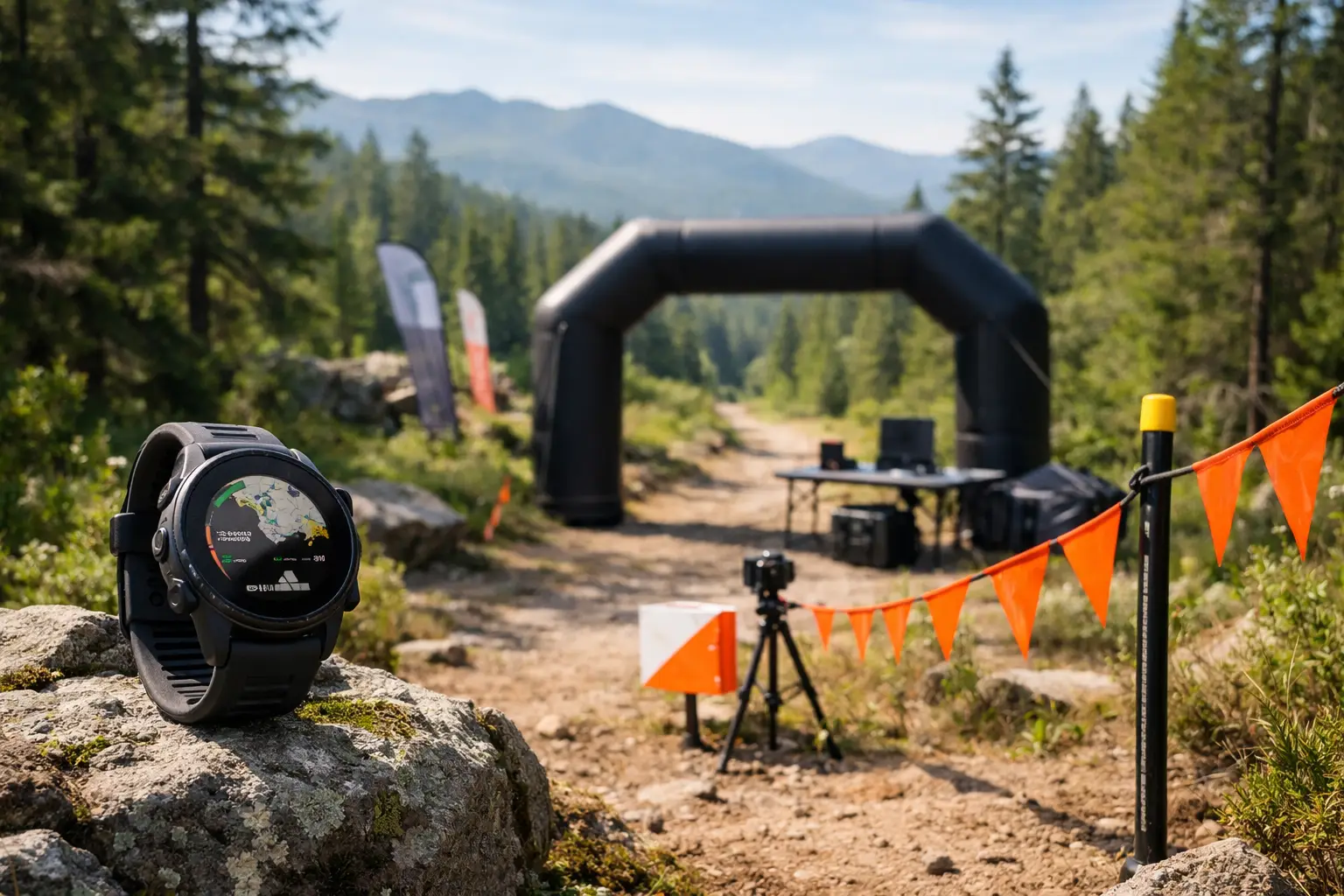
A Garmin trail race course is only useful if it matches how you actually race. That means more than loading a GPX file and hoping your watch handles the rest. If the route is messy, the elevation profile is wrong, or your course points are incomplete, your watch becomes a breadcrumb screen instead of a race tool.
For trail runners, that difference matters. On technical terrain, in bad weather, or deep into an ultra, small information gaps turn into time loss, bad fueling, navigation errors, and cutoff stress. The goal is simple: build a course file that tells you what matters before the mountain does.
What a Garmin trail race course should actually do
At minimum, your Garmin trail race course should keep you on route and show where you are relative to the full course. That is the baseline. For racing, baseline is not enough.
A race-ready course should also help you understand where the long climbs start, when terrain shifts, how far you are from the next aid station, and whether your pacing assumptions are realistic. If your watch setup cannot support those decisions, it is not doing enough work.
This is where many runners get burned. They download a GPX from a race site, push it to their watch, and assume the route is ready. Sometimes it is. Often it is not. Race files can be outdated, simplified, missing key course points, or built without the details that matter in competition.
Why the source of the Garmin trail race course matters
Not all GPX files are built the same. A course exported from a clean, verified race route is one thing. A file pulled from a crowd-sourced map, an old runner upload, or a rough website embed is another.
Garmin will display whatever you feed it. If the underlying file cuts switchbacks, misses a reroute, or smooths elevation too aggressively, your watch can still look official while giving you bad information. That is the trap.
For race prep, you want a route that has been checked against the current course and paired with the context runners actually need: total climbing, major ascent segments, aid station locations, and meaningful split points. Raw line data is not the same as course intelligence.
That is why serious runners should treat the file source as part of race prep, not an afterthought. A clean route saves time. A bad route costs confidence.
How to build a Garmin trail race course for race day
Start with the most accurate route file you can get. Then inspect it before it ever touches your watch. Zoom in on key intersections, out-and-back sections, and dense trail networks where navigation errors happen fast. If the route looks off on the map, assume it will be worse at mile 38 in the dark.
Next, check elevation. Not because the exact total feet of gain has to match every published number, but because climb structure drives pacing, fueling, and effort control. You need to know whether the biggest climb starts at mile 6 or mile 16. You need to know where the grade eases, where runnable terrain returns, and where long descents might beat up your quads.
Then review course points. A useful Garmin trail race course should include more than turns. For trail races, navigation alerts are often less important than location awareness. Aid stations, crew access, major summits, long descents, and cutoff-relevant checkpoints are the points that matter.
Finally, sync the course to your watch and test it in training. Do not wait until race morning to see how your device displays climbs, distance to next point, off-course alerts, or map orientation. Every Garmin model handles course screens a little differently, and those differences matter when you are moving hard.
The watch is only part of the system
A Garmin trail race course works best when it is part of a bigger prep workflow. The file on your watch should match what you already know about the course from your planning.
That means studying the route before race week. Look at the whole profile, then break it into race segments that make sense for effort and logistics. Aid station to aid station is usually better than arbitrary mileage chunks. That is how real race decisions get made.
If you know the next segment is 7.4 miles with a sustained climb, exposed ridge, and no water until the next aid station, your watch data becomes actionable. If all you know is that you are on course at mile 22, you are still guessing.
This is where a platform like TrailSight fits naturally for serious racers. Instead of treating the course as a single GPX line, it organizes the route around climbs, aid stations, waypoints, and practical race planning so the data on your Garmin supports race decisions instead of just confirming your location.
Common mistakes with a Garmin trail race course
The first mistake is trusting default race information. Published course maps are often good enough for spectators and first-pass planning, but not always precise enough for watch-based execution.
The second is overvaluing total mileage and total vert while ignoring distribution. A course with 8,000 feet of climbing can race very differently depending on whether that gain is stacked into two major ascents or spread across constant rollers. Your Garmin trail race course needs to show structure, not just totals.
The third is skipping aid station review. Distance to next aid is one of the most useful course references in trail racing, especially in hot races, longer ultras, and events with tight cutoff pressure. If your course setup does not account for where support happens, pacing gets sloppy and fueling mistakes compound.
Another common problem is assuming off-course alerts will save you everywhere. They help, but they are not magic. Dense forest, steep canyons, switchback-heavy trails, and multi-trail junctions can still create ambiguity. Good route prep reduces the odds you ever need the alert.
What to check before you press start
Before race day, make sure the course is on the correct activity profile and stored on the watch you will actually wear. Confirm map visibility, battery settings, GPS mode, and whether climb features are enabled on your device.
Also check naming. If you load multiple versions of a route or keep old files on your watch, it is easy to start the wrong one in a chaotic parking lot. Clear out the junk. Use obvious names.
Then think through your key data screens. For some runners, that is distance, elapsed time, total ascent, and heart rate. For others, the better setup is distance to next course point, current grade, and overall course progress. It depends on how you race. A runner managing effort on steep climbs may want different data than a runner trying to stay ahead of cutoffs.
The trade-off is screen clutter. More fields are not always better. If you need three seconds to find the one number you care about, the setup is too busy.
When a Garmin trail race course is not enough by itself
There are races where a course file does not solve the whole problem. Poor markings, storm damage, last-minute reroutes, and weak GPS reception can all reduce watch reliability. In those cases, the runner who studied the route still has an edge.
That matters most in mountain races and longer ultras, where navigation errors often happen when fatigue is high and decision-making is slow. If you already know the shape of the course, the order of major climbs, and the spacing between aid stations, you can catch route mistakes earlier.
Think of the watch as confirmation, not rescue. Your Garmin should support your race plan, not replace it.
The real advantage of a better Garmin trail race course
The best outcome is not just avoiding a wrong turn. It is racing with fewer surprises.
When your course file is clean and your prep is solid, you stop reacting to the trail one problem at a time. You know when to stay controlled, when to push, when to top off bottles, and when a rough patch is just the last mile of a climb instead of the start of a disaster.
That is the real value. A good Garmin trail race course turns vague course knowledge into usable race-day information. It makes the route feel smaller, more familiar, and more manageable.
And that is exactly what serious trail prep should do: reduce uncertainty before the race starts, so your energy goes into running the course, not figuring it out on the fly.